Getting started: a quick tour
New to Synapse? Here's the lay of the land and the fastest path to your first review — about two minutes.
-
Meet the tabs
Synapse is organized into a few tabs along the bottom:
- Home — your dashboard: what's due, streaks, and quick links.
- Study — your flashcard decks and the review loop.
- Practice — multiple-choice test packages.
- Library — PDFs, notes, and reference docs.
- Stats — your progress over time.
Settings lives in the top-right of every screen, and the AI coach is the chat button in the corner.
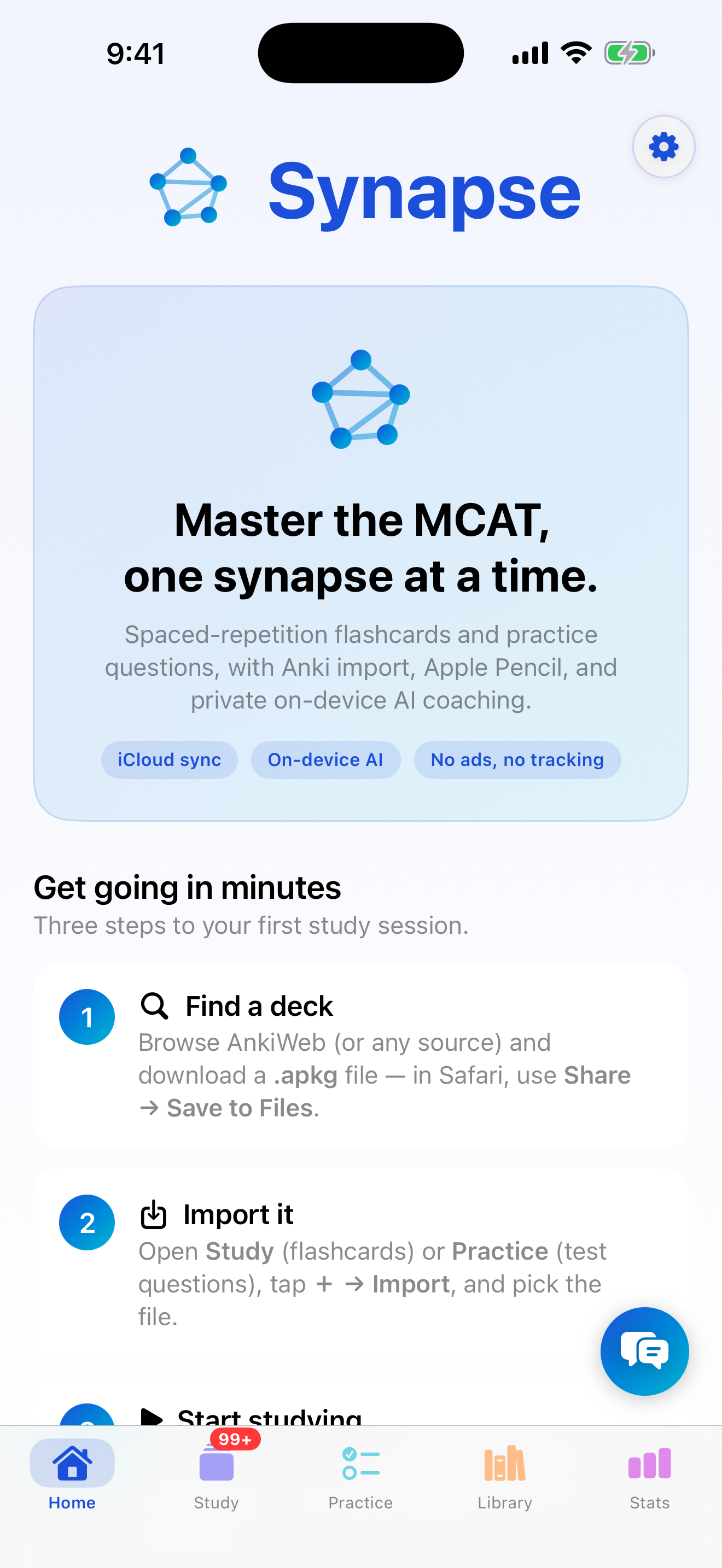
The Home tab and the bottom tab bar. -
Get some cards
Synapse comes with a small starter deck so you can try it immediately. When you're ready for your own material, you can import an Anki deck or create your own.
-
Do your first review
Open a deck on the Study tab and tap Study. Read the front, tap Show Answer, and grade yourself. That's the core loop — studying effectively covers it in depth.
-
Make it a habit
Come back daily and clear what's due. Check Stats to watch your retention climb, and ask the AI coach where to focus next.
On any device. Sign into iCloud and your decks and progress sync automatically between iPhone and iPad — no account to create.