Sync, Premium & your data
Your decks follow you between devices through your own iCloud, and your data stays private. Here's how sync works and what Premium unlocks.
-
Turn on iCloud (one time)
Sync is automatic — it just needs iCloud. On each device, open Settings → [your name] → iCloud and make sure you're signed in with iCloud Drive enabled. There's no Synapse account to create.
-
Study anywhere
Add a deck on your iPad and it shows up on your iPhone a moment later — cards, progress, and stats all sync. Sync runs in the background and may take a moment after a large import.
Private by design. Your data syncs through your private iCloud database. There are no Synapse servers — we never see your decks or progress. -
Know what's free
Synapse is free to use with every feature included — import, create, Apple Pencil, the AI coach, analytics, and sync. The free plan has just one limit: 5 card reviews per day (cards are unlimited).
-
Upgrade to Premium (optional)
Premium removes that limit — unlimited daily reviews. Open Settings → Premium (or tap any upgrade prompt) and choose:
- Monthly — $4.99/month, cancel anytime
- Annual — $49.99/year (save 17%), cancel anytime
- Lifetime — $89.99 one-time
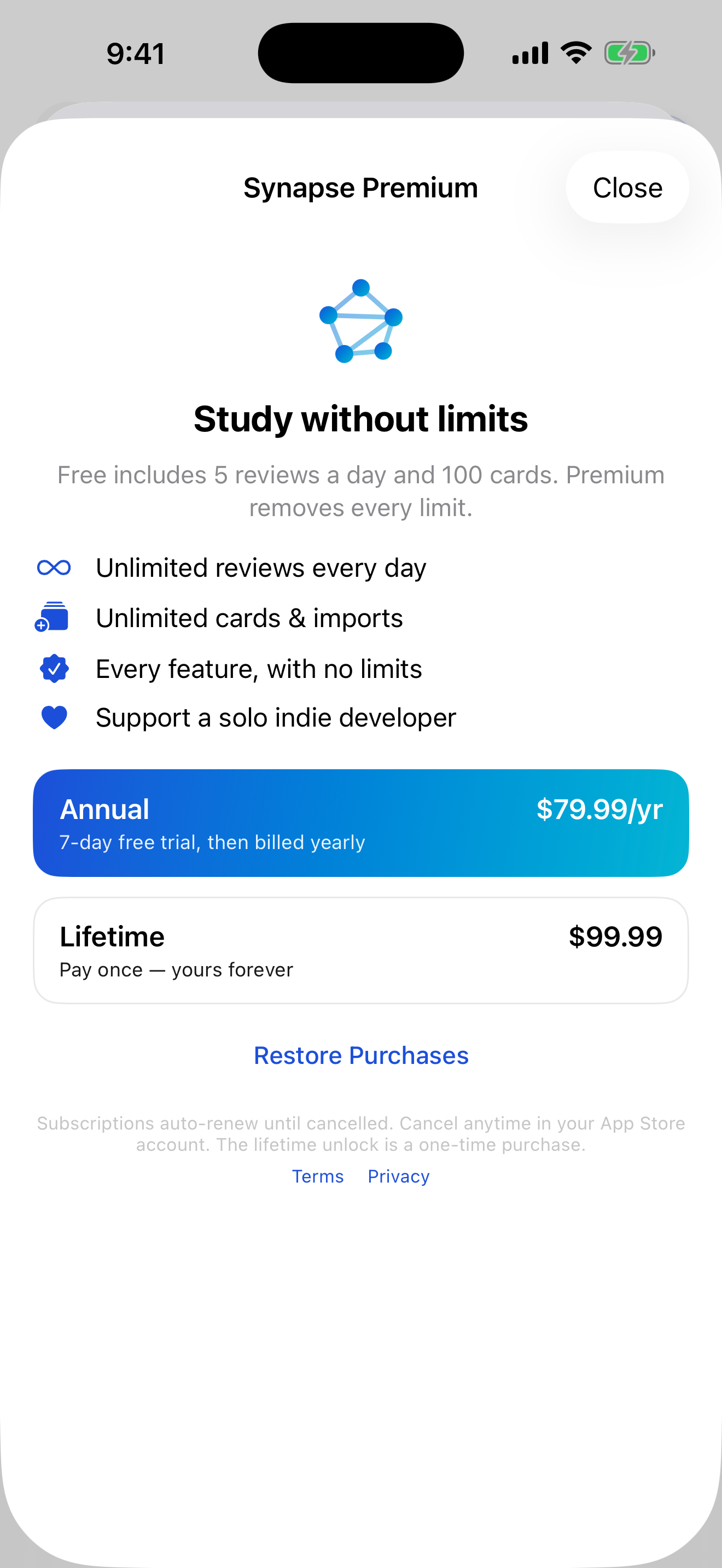
Three ways to unlock — all remove every limit. -
Restore or manage
New device, or reinstalled? Tap Restore Purchases on the Premium screen. To manage or cancel a subscription, use Settings → [your name] → Subscriptions on your device — billing is handled by Apple.