Build a practice test
Flashcards build recall; multiple-choice questions test it. The Practice tab holds question packages you create or import, with their own focus and accuracy tracking — separate from your Study decks.
-
Create a test package
On the Practice tab, tap + (top-left) → New test package and give it a name (e.g. “Gen Chem — Acids & Bases”).
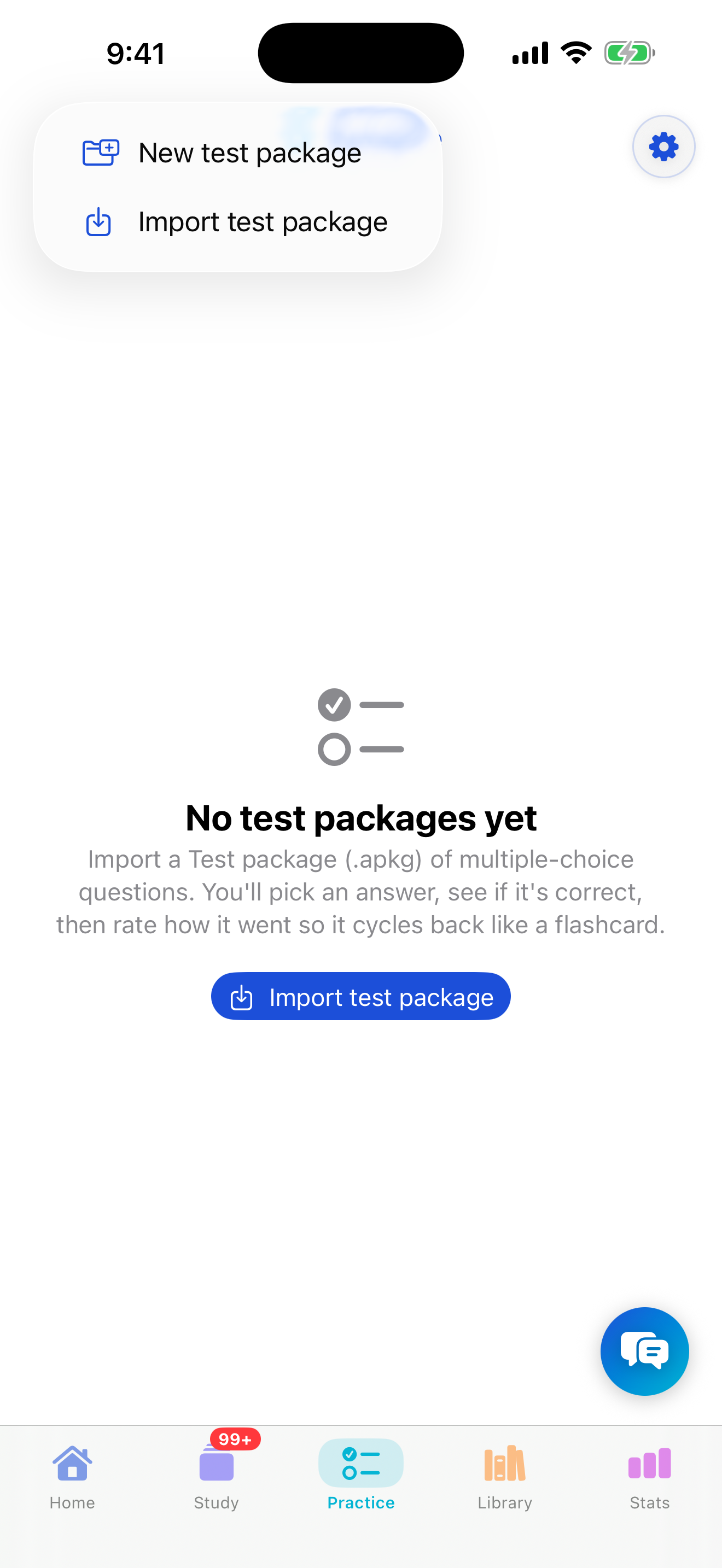
Practice → + → New test package. -
Add a question
Open the package, then tap ••• → Add question. Type the question, add the answer choices, and tap the one that's correct to mark it. You can use
$…$math and images here too.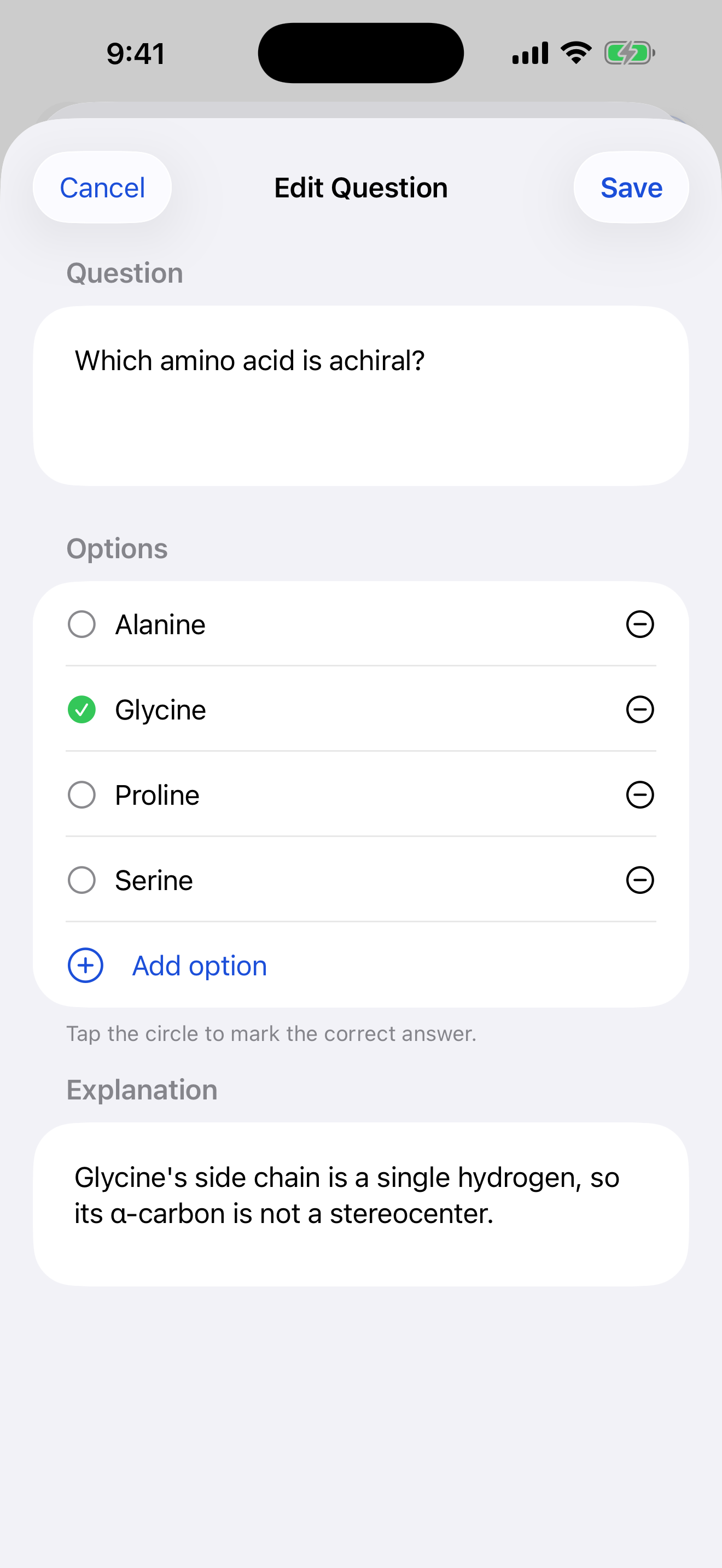
Add choices and mark the correct answer. -
Build out the set
Use Save & add another to add questions quickly. Group packages into chapters the same way you organize decks if you want to split a big bank by topic.
-
Take the test
Open a package and start a practice session. Answer each question, then review your results — Synapse records your accuracy so you can see which topics need another pass.
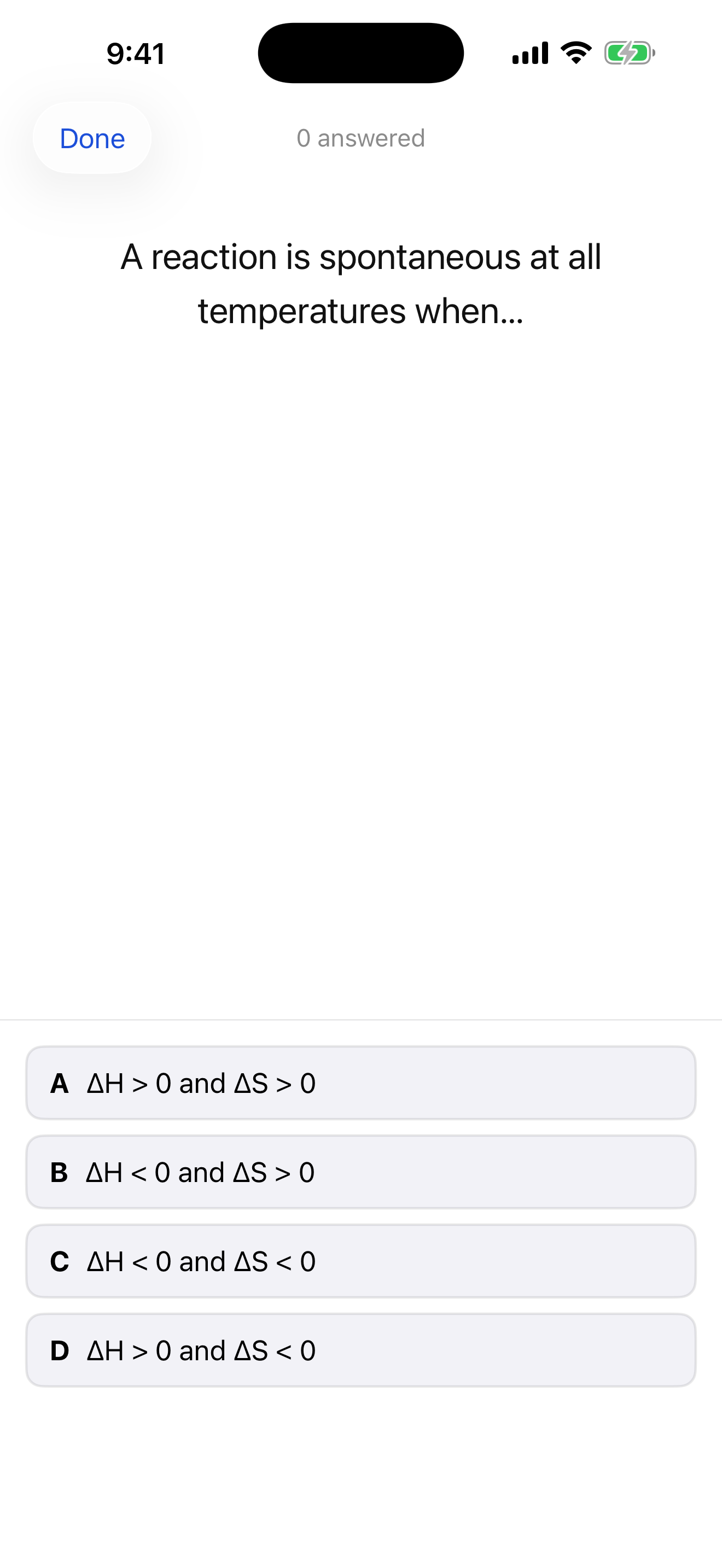
Answer, then see your accuracy. -
Or import a question bank
Have a multiple-choice deck as an
.apkg? On the Practice tab, + → Import brings it in. (A plain flashcard deck imported here is sent to the Study tab instead, where it belongs.)